Create user roles
This guide will walk you through steps to create user roles in MetaFox. Let’s go.
Log into your MetaFox site with Admin user. Then go to AdminCP Dashboard > Members > Roles and click the Add New Role link on the top-right corner to create a new role.

In the Create New Role form, fill in the role name and choose an existing role to copy permissions of that role to the new one. It will save you much time to set up role permissions
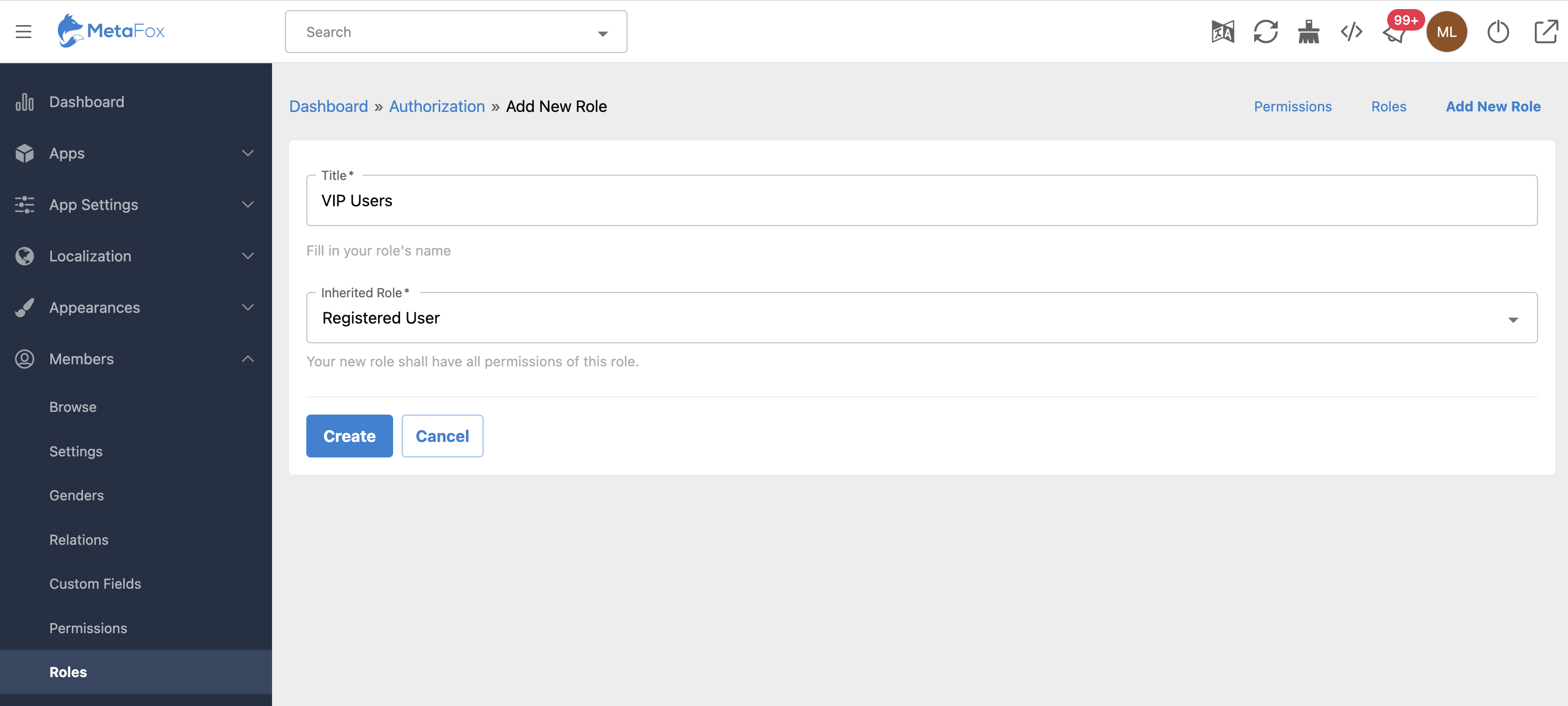
Then, click the Create button.

That’s it. You just completed the procedure of Role creation. You can go ahead to , as well as associated with this role.